Write and code in one place
A writing environment built on Zed. You and your agents work on notes, papers, and code in one window, all on your own machine.
Start with
Suzuri adds
- Obsidian-style live previewMarkdown renders in place, with wikilinks and backlinks
- An Overleaf-style PDF paneRead your sources beside the draft you are writing
- Typst and LaTeX typesettingModern, lightning-fast typesetting with instant preview
Suzuri is Zed with additions.
The Panes
The missing writing environment
The notes, the draft, and the sources open side by side in the same editor — each pane a file type Suzuri understands natively.
Writing
Markdown renders in place and reveals its source when your cursor touches it.
Math · Mermaid diagrams · Zotero citations · editable tables
Reading
A native PDF pane with continuous scroll, zoom, and real text selection.
Built on hayro · reloads when the file changes on disk
LaTeX
LaTeX in one pane, the compiled PDF in the other, with Tectonic doing the work.
No TeX distribution to install or babysit
Typst
Typst does the same, faster — the PDF updates a second after you stop typing.
Typst installs itself the first time you need it
Your agents work here too: they draft, import, and cite in the same plain files you edit — you verify and publish.
A look inside
What it looks like to work in
One window, one folder of plain files, and a pane for whichever format you are looking through.
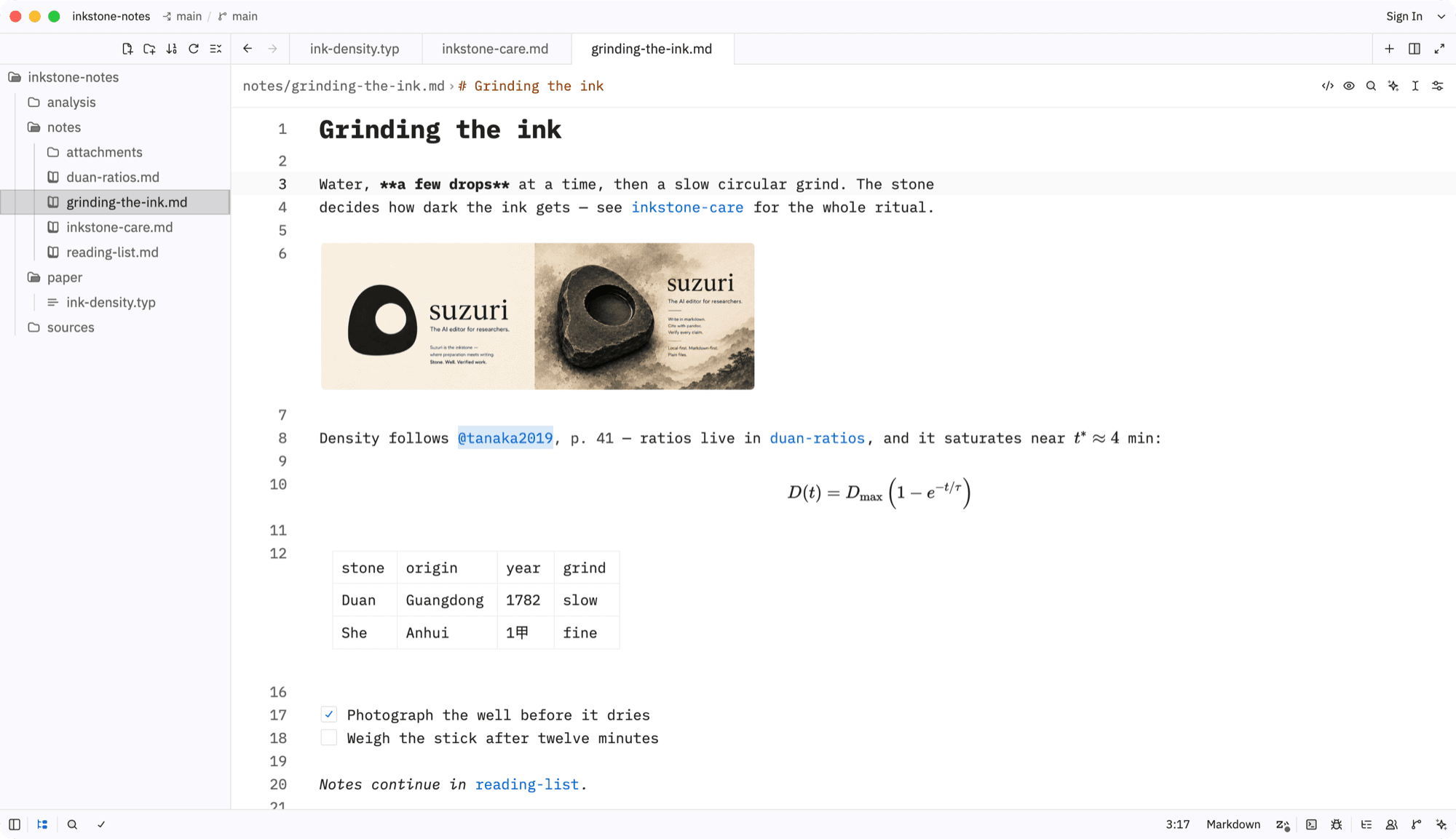
Markdown Live Preview
Markdown renders as you write: images, tables, math, and citations. Only the line under your cursor shows its source.
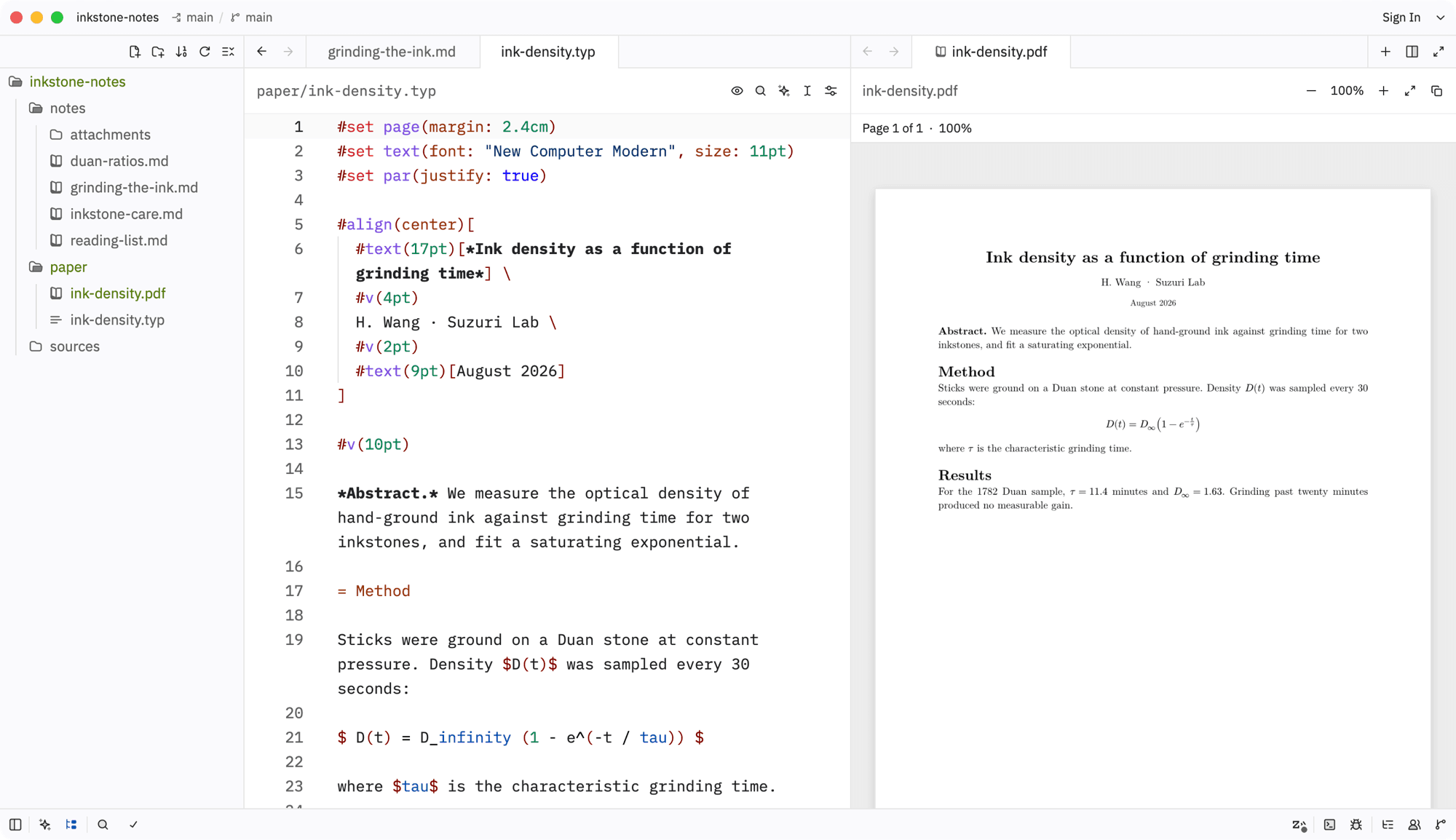
Typst and LaTeX, compiled as you write
Write on the left and the PDF updates on the right, a second after you stop typing. Compilers install themselves.
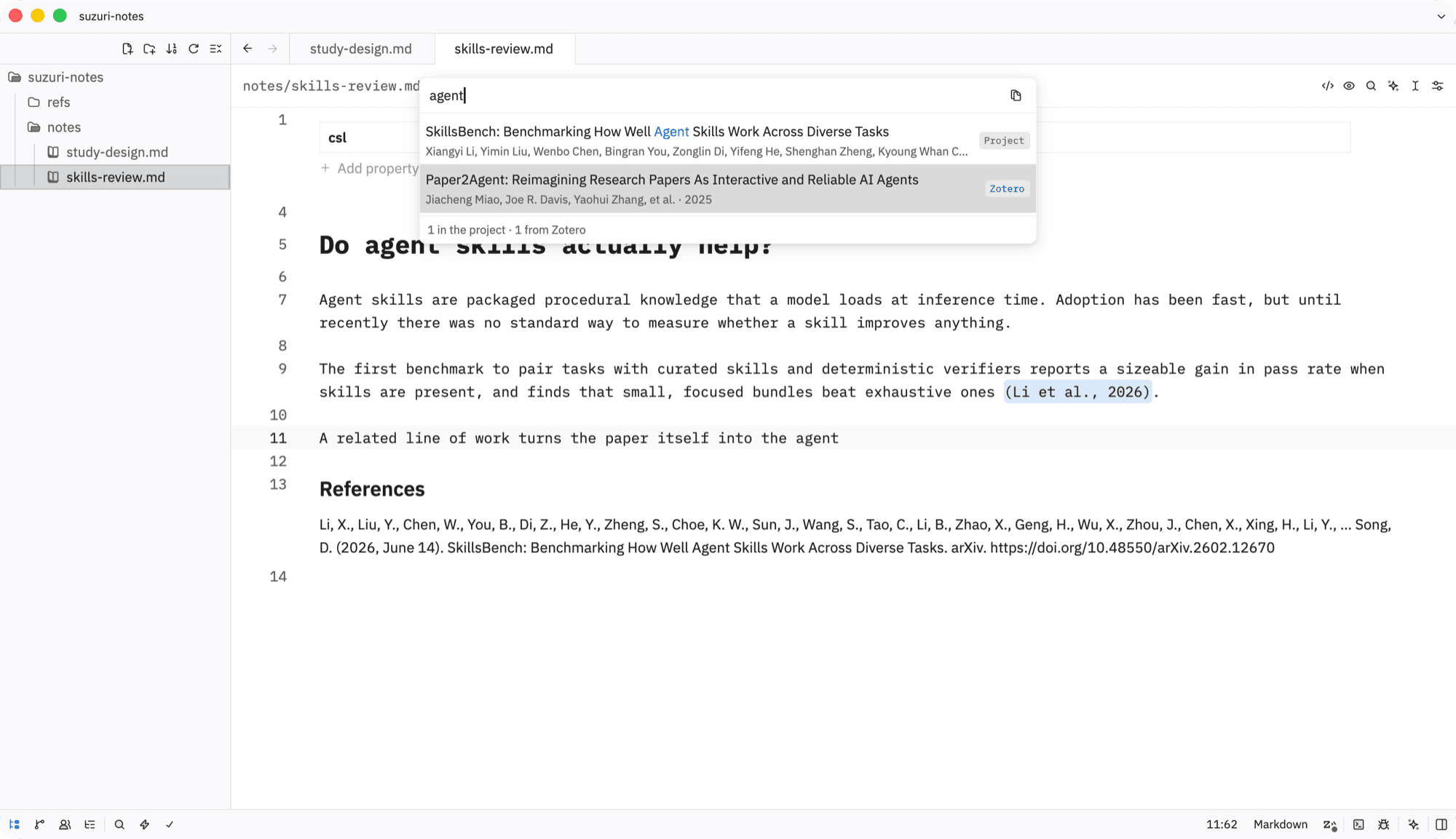
Cite from Zotero without leaving the note
⌘⌥C searches your .bib and Zotero at once and inserts the key. The References section fills itself in your CSL style.
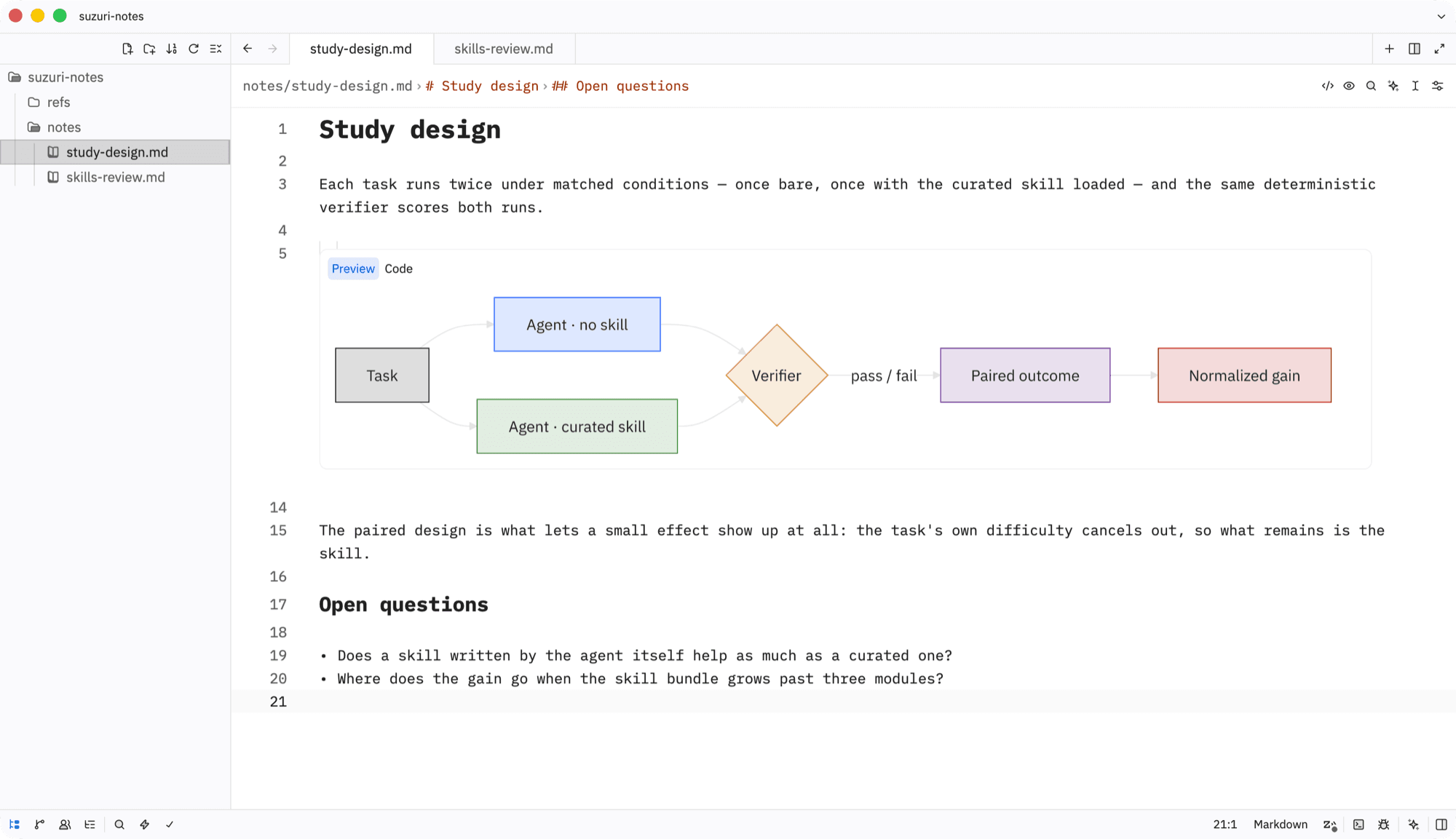
Mermaid diagrams, drawn in place
A mermaid fence becomes the diagram, drawn in the editor’s colors. Put the cursor inside to edit the source.
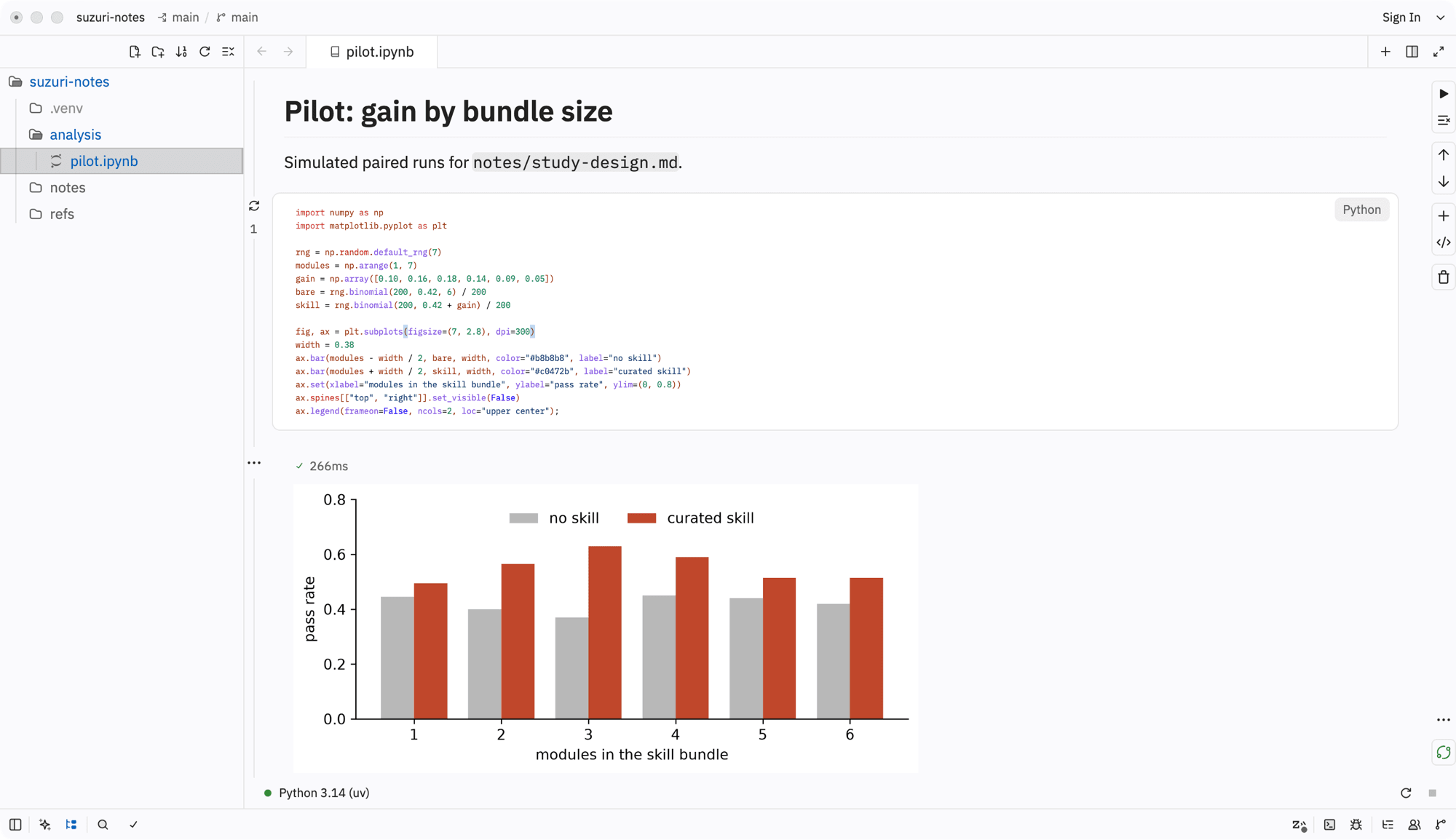
Jupyter notebooks, native and working
Run .ipynb notebooks on your project’s .venv, plots inline. Zed keeps notebooks experimental; Suzuri turns them on and fixes them.
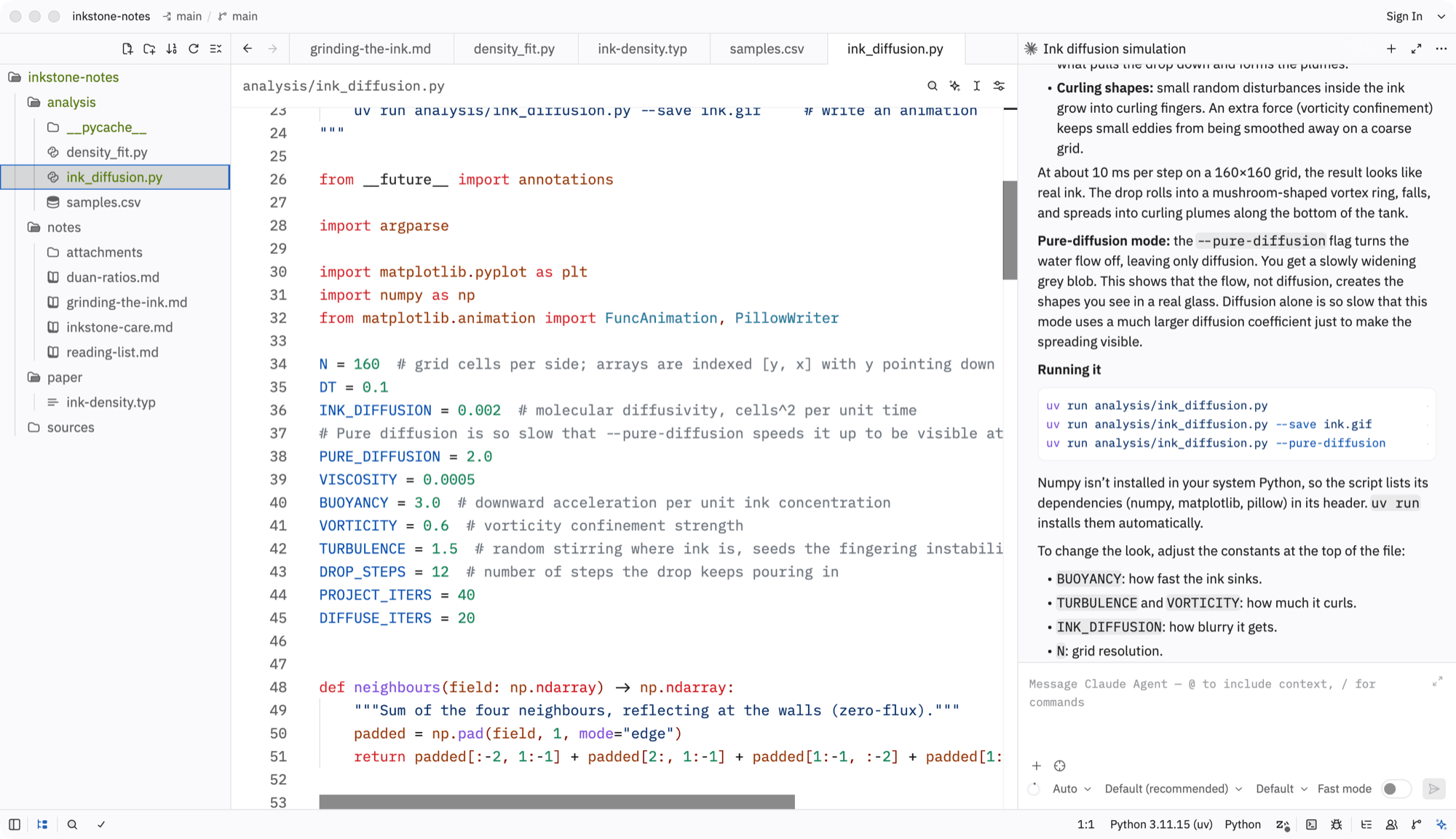
Agents work where your files are
Zed’s agent panel, with your notes and papers in reach. Agents edit the plain files on disk, and you review the diff.
Get Started
Start writing and coding
Suzuri is early and in active development, built in the open and dogfooded daily. Expect sharp edges.
On macOS, open the DMG and drag Suzuri to Applications. On Windows, SmartScreen shows a warning — choose “More info → Run anyway”. On Linux, extract the tarball and run bin/suzuri. Older builds are on the releases page.
Or build from source
git clone https://github.com/harrywang/suzuri.git && cd suzuricargo run --profile release-fast